
Resources grouped into projects
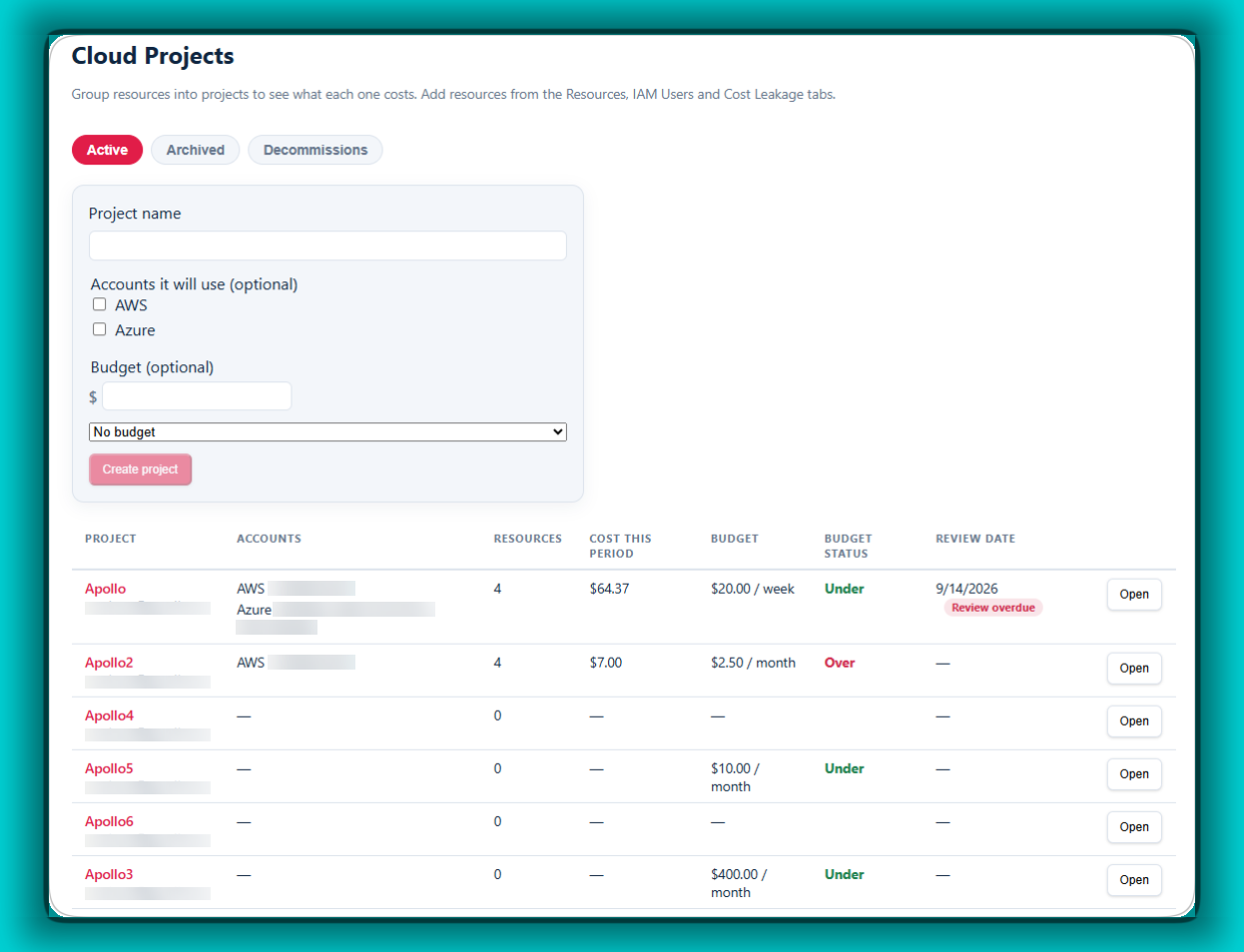
Create a named project and attach the cloud resources that belong to it, so spend can be read by project instead of by resource id.
Cloud Projects
Cloud Projects organizes your cloud resources into projects, across AWS and Azure, however many accounts you connect. You see exactly what each project costs, this month and over time, and which resources belong to it and when they were added. It also closes the loop on waste: when you request a removal, the portal checks that the resource is actually gone, so no one has to take anyone's word for it. And whenever you need them, you can pull detailed reports on any project's costs, resources and cost leakage.
What it does
Create a named project and attach the cloud resources that belong to it, so spend can be read by project instead of by resource id.
Give a resource a project tag in your cloud and it joins its project on the next scan. Nobody has to remember to add it here.
What each project costs this month, and how that figure has moved over time.
Raise a removal request for waste, and the portal looks for the resource afterwards and reports what it found — a specific statement like "Confirmed gone on 18 September", not an assurance that someone dealt with it. A resource that disappears without a request is flagged rather than quietly forgotten.
Each quarter adds up the spend you have actually stopped paying, so cleanup work has a number attached to it.
Each number shows the path that proved it: the resource carried a project tag, or a person attached it. You can see which, rather than trusting a total.
Who it's for: Teams running projects in the cloud who need to track every resource across every cloud, and who get asked the hard questions: What did this project cost? Did it go over budget? What was built, and was it all shut down when the project ended?